.png)

AWS published a technical walkthrough on building an MCP bridge that lets an Amazon Bedrock AgentCore-hosted agent use MCP tools running on a user’s local machine. The core problem is simple: the agent lives in the cloud, while the tools and files it needs to touch often live on a laptop.
This is the missing link in the current MCP deployment model. MCP already standardizes how an AI host talks to MCP servers over stdio or streamable HTTP, but those transports assume the client and server can reach each other directly. That works for local agents and local tools, or cloud agents and cloud tools. It breaks when the agent is remote and the tool server is local.
AWS frames the use case around finance workflows, where analysts work in Excel, browser sessions, and local files, but want centrally managed AI agents to operate across that local context. The pattern also matches products like Claude Cowork: a cloud agent that can call tools on a user device. The AWS version is different in one important way: it is built on AgentCore and meant to be self-hosted on AWS with your own model and tool servers.
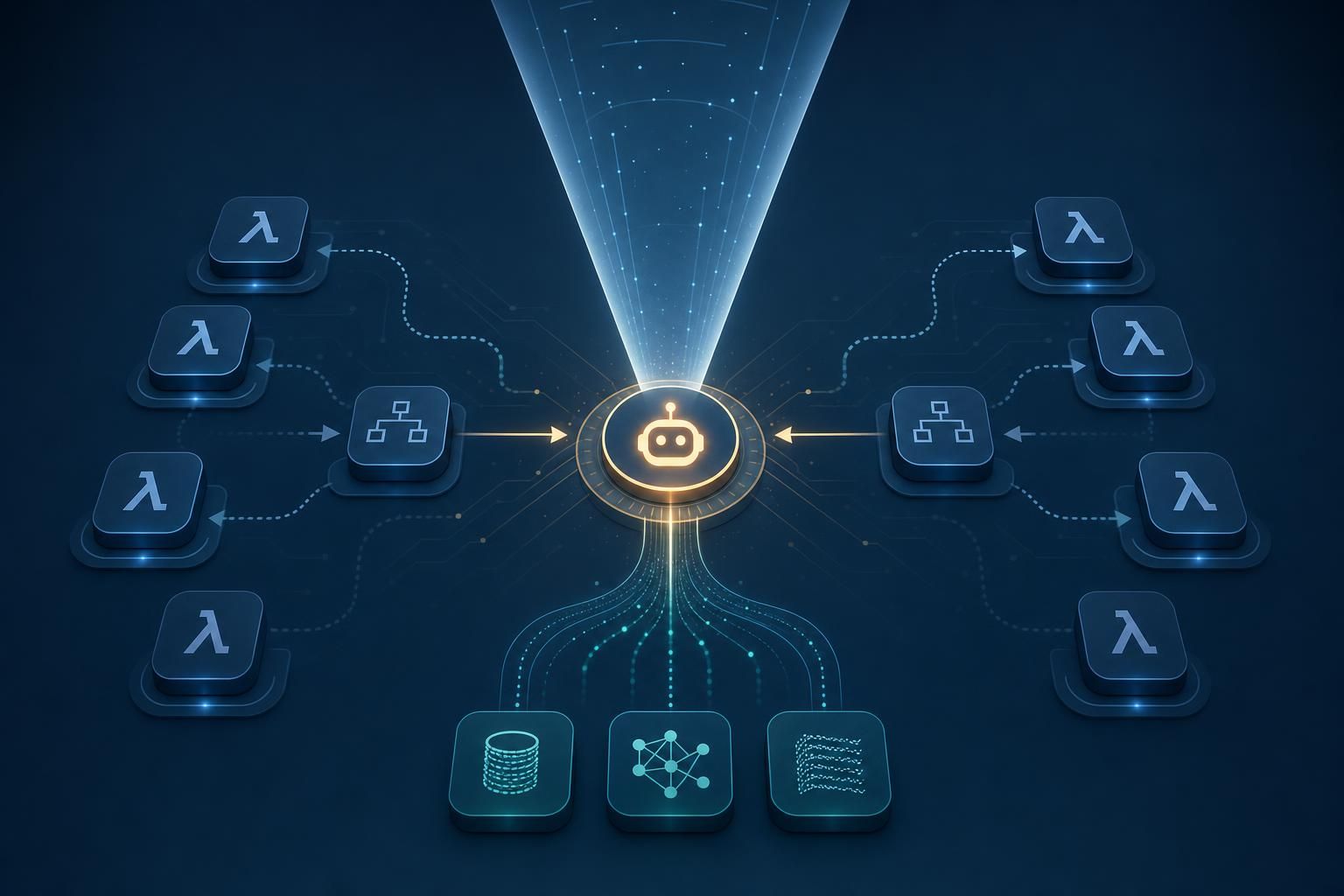
The bridge forwards MCP messages over WebSocket, with a browser extension and native messaging handling the local side. In practice, that gives the cloud agent a path to a browser-hosted or machine-local MCP server without pretending the remote agent is on the same machine.
That design choice matters because it preserves the MCP abstraction while avoiding protocol changes. The agent still speaks MCP semantics to tools; the bridge only handles transport translation and device reachability. For teams already standardizing on MCP servers, that means the integration surface stays small: the agent runtime stays in the cloud, the local tool server stays on the user’s laptop, and the bridge handles session setup and message forwarding.
The post positions this as a production pattern rather than a demo hack. That’s the right framing. If you need local spreadsheet access, browser context, or other workstation-bound tools, a browser extension plus native messaging is the least surprising way to get a cloud agent onto the device without exposing local services directly to the internet.
The architecture centers on AgentCore Runtime, which hosts the agent and the control plane for tool use. The broader AgentCore stack is what makes this viable in production: you get a managed runtime for the agent while still keeping the tool server wherever it needs to live.
That separation is the real point of the design. You do not want to move sensitive local workflows into a brittle desktop app just to satisfy tool locality, and you do not want to punch arbitrary inbound holes into a user laptop. A cloud-hosted agent plus local MCP bridge gives you a narrower trust boundary: the browser extension and native messaging component mediate access, while the agent remains centrally deployed and observable.
AWS also calls out that this is a simplified recreation of an internal finance assistant that has already seen more than 41,000 conversations in a year. That matters because it suggests the pattern is not theoretical. It is being used for real workflows where local data and browser state are both first-class inputs.
The source explicitly says the post covers the bridge and points to additional hardening in a “What’s Next” section, so the full operational picture is not completely spelled out here. Even so, the production concerns are obvious.
A local MCP bridge introduces the usual device-side risks: extension lifecycle management, authentication between the browser component and the cloud agent, session isolation across users, retry behavior when the laptop sleeps or disconnects, and auditability for every tool invocation. If the agent is allowed to act on spreadsheets and browser state, you also need a clear permission model for which local tools are exposed, when, and to whom.
The engineering tradeoff is straightforward. If your agent needs workstation-bound context, pure cloud execution is not enough, and pure desktop execution gives up the operational advantages of a managed agent platform. The bridge pattern is the compromise: keep the model and orchestration in AgentCore, keep the sensitive tools local, and connect them with a transport layer that behaves like MCP instead of inventing a one-off integration.